
Home / Deals & rewards
Dunkin Deals & Rewards: How to Check Real Offers
Dunkin deals can appear in the app, on the brand’s website or in a participating store’s ordering screen. Check the offer details while signed in if the promotion requires a Dunkin Rewards account.
Menu products, prices and calories
Meal deals
More ordering details in the meal deals guide.
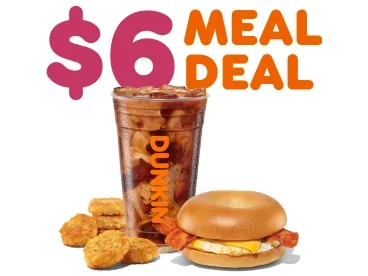
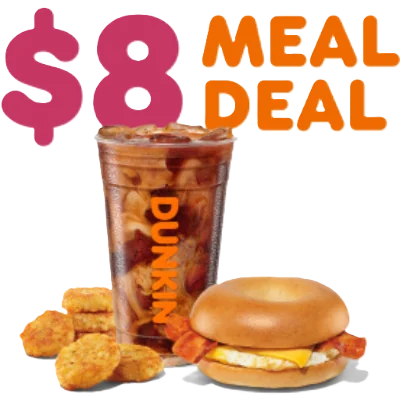
What to read on an offer
| Detail | Why it matters |
|---|---|
| Start and end dates | A deal can remain visible in an old article after redemption ends |
| Eligible item and size | Changing the drink size or sandwich can remove the discount |
| Where to order | Some offers apply only through a particular channel |
| Participation and limits | The selected store or account may have its own eligibility |
Using a promo code
Copy the code only from a source you can verify, then enter it in the supported checkout screen. Review the updated cart total before paying. If the offer does not apply, check the dates, selected store and cart requirements before trying again.
Compare the final total
A bundle helps when it includes items you planned to order. Compare the bundle with the individual items at the same store and through the same channel. For delivery, look at the full total including fees.
Common questions
Are rewards points and promo codes the same thing?
Rewards points are tied to the account’s earning and redemption rules. A promo code or offer follows its own dates and cart requirements.